Chat Notes – Communican with Customers
Get in contact with the customer regarding a specific ORDER.
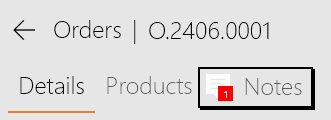
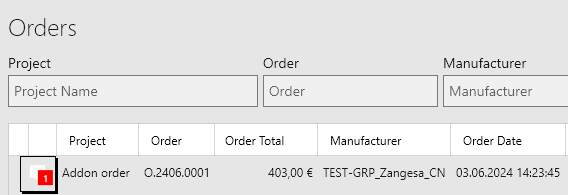
 Chat Notes can be found on the order page.
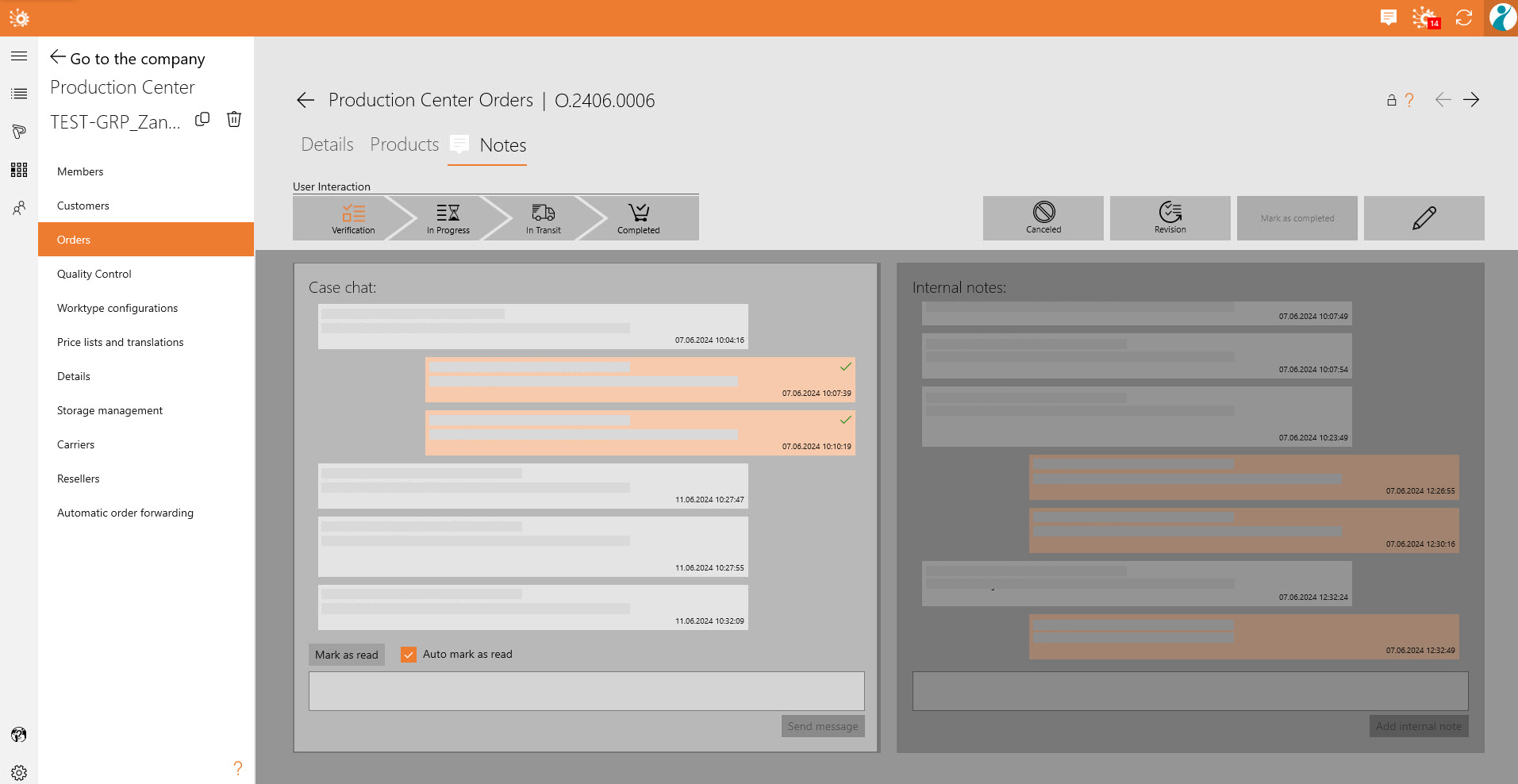
Customers can use this feature at any point of the ordering process, while Production Centers can only respond with messages once the order has been checked out!