Test_Image
ZangesaLearn
  • Home
  • FAQ
  • Legal

When you start Manager 360° for the first time, you will be asked to select a folder to save your data.
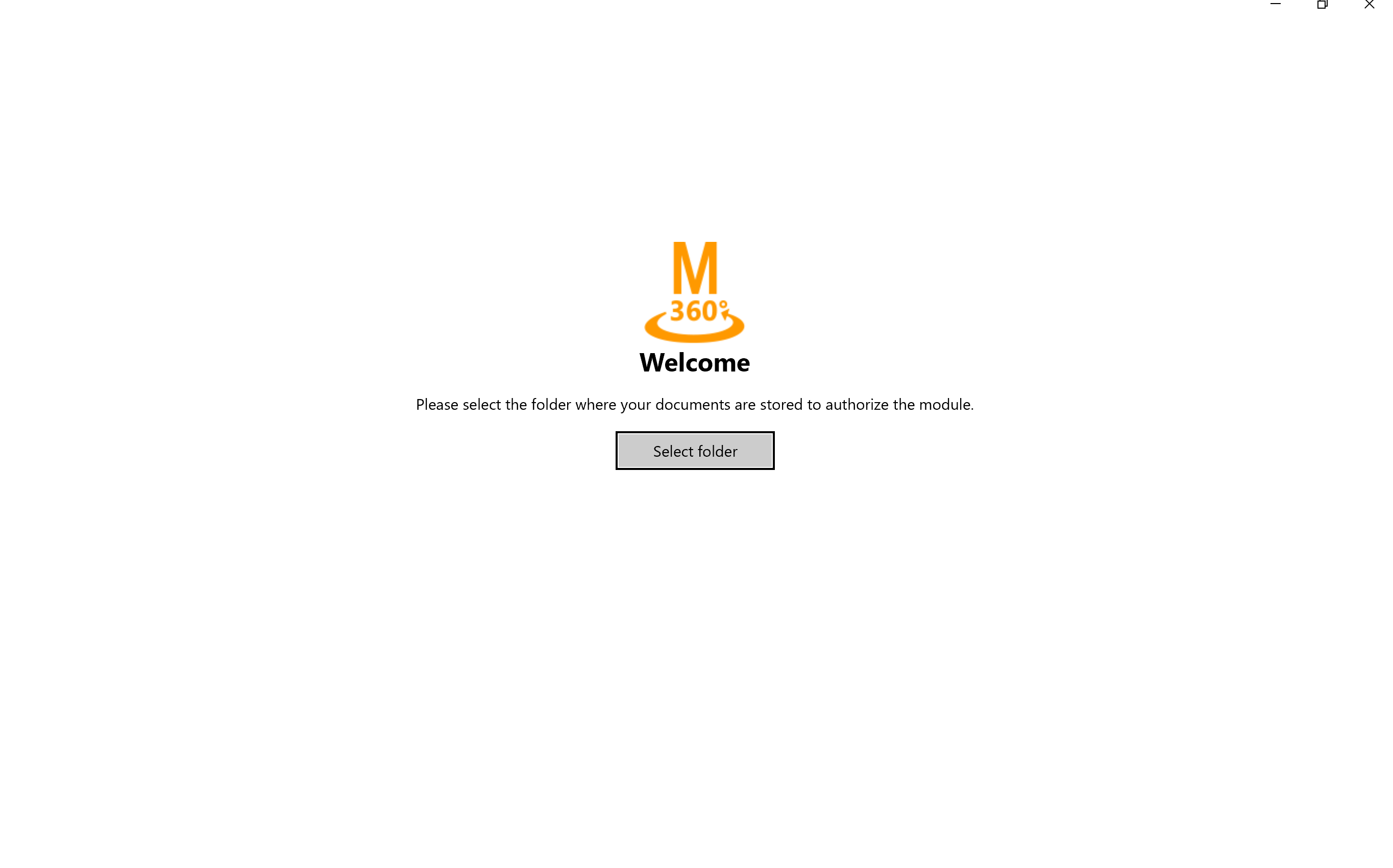
Click on “select folder” and pick a folder from your local storage.

Navigation

  • ZAnGeSa Connect
    • Connect Online
    • Connect Operate
      • First Steps
      • In the beginning
        • Download
        • Starting for the first time
        • Updates
        • Reset password
        • Registration
        • Log in
      • Update of the application
      • News
      • Working with projects
      • Projects management
      • Apps and modules
      • Private contacts
      • Settings
      • Notifications and Download
      • Account settings
      • Configuring your Company
      • Managing orders
    • Connect Factory – Production Center
    • Hardware requirements
Explore

Legal
Terms and Conditions
Usage Rights
Cancellation Terms

Contact us

Contact us
office@zangesa.com
+43 2262 23 440 15

ZAnGeSa GmbH

Donaustraße 2/7
2100 Korneuburg
Austria

Copyright © 2026 ZAnGeSa GmbH